
Automation
AI agents for small business: what they do and where to start
What an AI agent is, how it differs from a chatbot, which office tasks it takes over, and how to start with one process instead of a big rollout.
Czytaj po polsku: wersja polska
In this article
AI agents for small business is a phrase you hear more and more, but it is not always clear what is behind it. Put simply: an agent is software that carries out a chain of steps in your tools by itself, instead of only answering a question in a chat window. Below I explain what such an agent does in an office, how it differs from plain ChatGPT, and how to start without a big project.
How an AI agent differs from a chatbot
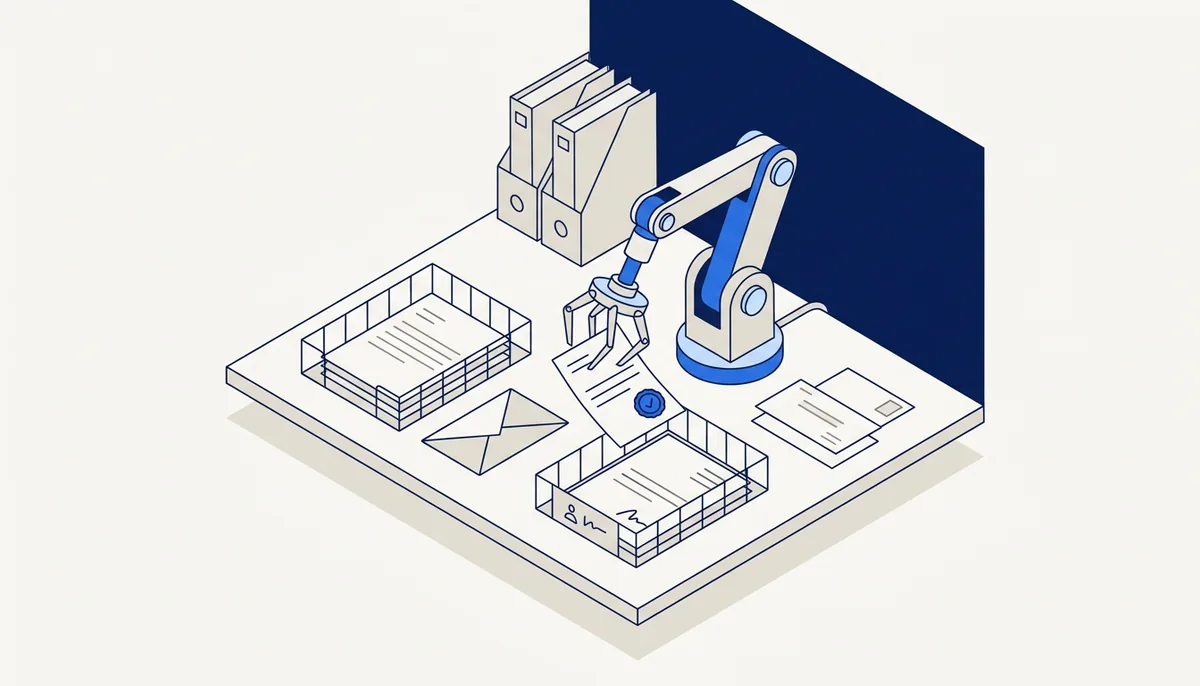
A chatbot waits for a question and answers. You copy the answer, paste it into an email, fix it and send it. An agent gets a task and works through the steps itself: it reads a message, checks data in a spreadsheet, drafts a reply and leaves it for your approval.
Before
An enquiry arrives by email, you open the price list, retype the data into a quote, send it and remember a follow-up a week later.
After
The agent reads the enquiry, drafts a quote from your price list and sets a reminder. You check it and click send.
The difference is that the agent works inside the tools you already use, not next to them.
What an AI agent does in the office
In Polish companies of 10 to 250 people, the best fits are tasks that repeat every day and follow a clear rule:
- Email. Sorts messages, flags urgent ones and proposes replies. See AI email triage.
- Quotes and documents. Fills quote, invoice and contract templates from the enquiry. More in auto-generating quotes, invoices and contracts.
- Follow-ups. Watches payment dates and client replies and nudges politely, in your tone.
- Reports. Collects data from your tools and writes a weekly summary. Example: weekly reports written by AI.
- Enquiry
- Agent reads and drafts
- Person approves
- Sent
 Gmail
 Sheets
 Make
 Claude
What an agent should not do on its own
An agent makes mistakes, like any new employee. So at the start leave the costly decisions to a person:
- sending quotes and contracts without review,
- changing prices and discounts,
- decisions about money and personal data.
A good rule: the agent prepares, a person approves. When the output has been right for several weeks, you can loosen the check where an error costs little.
How to start: one process in 4 weeks
- Pick one repetitive process. One where someone loses an hour a day retyping or chasing dates.
- Describe it step by step. What goes in, which rules, what comes out.
- Run the agent with a person approving.
- Measure the time. How many minutes the task takes before and after.
- Only then add the next process.
If you do not know which process to pick, start with where to start with business automation. A first rollout can start in 4 weeks, and the return can be judged after 90 days.
What to do this week
List five tasks your team does every day where the result depends on a rule, not on judgement. Write down how many minutes each one takes. The longest and most repetitive one is the candidate for your first agent.
FAQ
What is an AI agent?
It is software that carries out a chain of steps in company tools, for example reading an email, checking data and drafting a reply. Unlike a chatbot, it does not wait for every instruction.
Will an AI agent replace office staff?
Not in this setup. It takes over repetitive steps, while a person approves the result and handles exceptions and client conversations.
How much does an AI agent cost for a small company?
It depends on the process and tools, so I do not give one figure. A good start is one process and a before-and-after time measurement.
Do I need a developer?
For simple processes, not always. For integrations across several systems, get help from someone who builds them.