
Automation
Automating your inbox: AI email triage that earns its keep
Czytaj po polsku: wersja polska
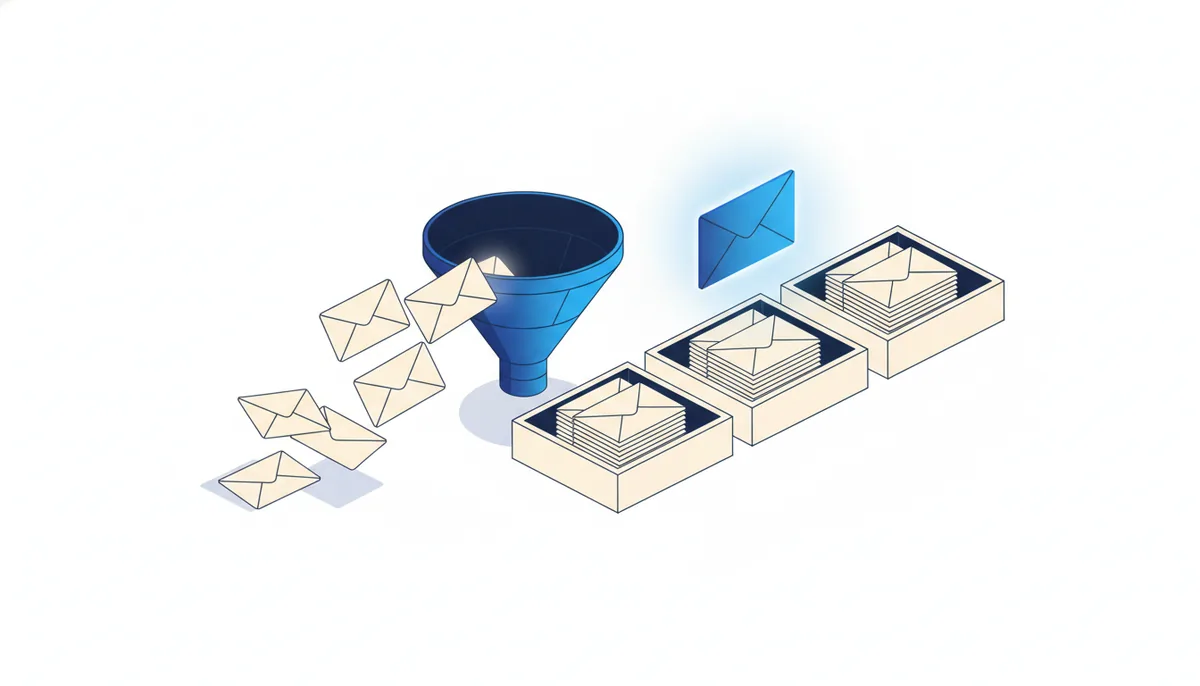
Most people try to fix their inbox by reading it faster. That never works, because the problem was never reading speed — it’s that every message arrives looking equally urgent. A supplier invoice, a newsletter, a hot lead, and a “quick question” all land in the same flat list, and you pay the same attention tax sorting them as you do answering them.
The fix isn’t a new email app. It’s a triage layer that reads every message before you do and decides what it actually is. You still make the calls that matter. The machine just stops you from spending your morning being a human router.
Start with the categories you already use
Before any automation, watch yourself for a day and notice the buckets you sort into without thinking:
- Act now — a customer waiting, a quote to send, something with a deadline.
- Read later — useful but not urgent.
- Route — belongs to someone else, or to a system (an invoice, a receipt, a calendar request).
- Ignore — newsletters, cold pitches, notifications you’ll never action.
If you can name the buckets, AI can sort into them. Most people have four or five and have never written them down.
Let AI label, not delete
The first instinct is to auto-archive the junk. Resist it. The goal of the first version is to label, not to throw anything away — because the cost of a wrongly-deleted email is far higher than the cost of one extra label.
Connect your inbox to an automation tool (Make, n8n, or your provider’s built-in rules) and add one AI step per incoming message with a tight prompt:
Classify this email into one of: act-now, read-later, route, ignore. Return the label and a one-line reason. If it mentions money, a deadline, or a named customer, never label it ignore.
That last sentence is the whole trick: encode your non-negotiables as hard rules so a confident wrong guess can’t bury something that mattered.
Surface, don’t hide
Once messages are labelled, change what you see, not what exists:
- Act-now gets a star, a top-of-inbox view, or a Slack ping. This is the only bucket that interrupts you.
- Route gets forwarded with its data already extracted — the invoice number, the amount, the requested date — so the receiving system or person doesn’t re-read it.
- Read-later and ignore quietly drop out of your main view but stay searchable.
You’ve turned an inbox into a queue with one short line in it.
Keep a human on the edges
Two rules keep this trustworthy. First, review the “ignore” pile once a week for a month — that’s how you catch the rules that are too aggressive and tighten the prompt. Second, never let triage reply on its own to anything customer-facing; it can draft, but a person approves. Automate the sorting, keep the judgement.
A realistic first week
- Pick your four buckets and write the one rule you can’t break (“never ignore a named client”).
- Add a single AI labelling step in front of your inbox.
- Route only the most mechanical bucket fully — receipts, calendar invites, newsletters.
- Count how many mornings you start on the right email instead of the loudest one.
That count is the case for going further. You don’t need inbox zero. You need the three messages that matter to be the first three you see.