
KSeF
How to issue an invoice in KSeF, step by step
Log in to KSeF and issue your first invoice in the free Taxpayer Application: login methods, the steps, and the mistakes worth avoiding.
Czytaj po polsku: wersja polska
In this article
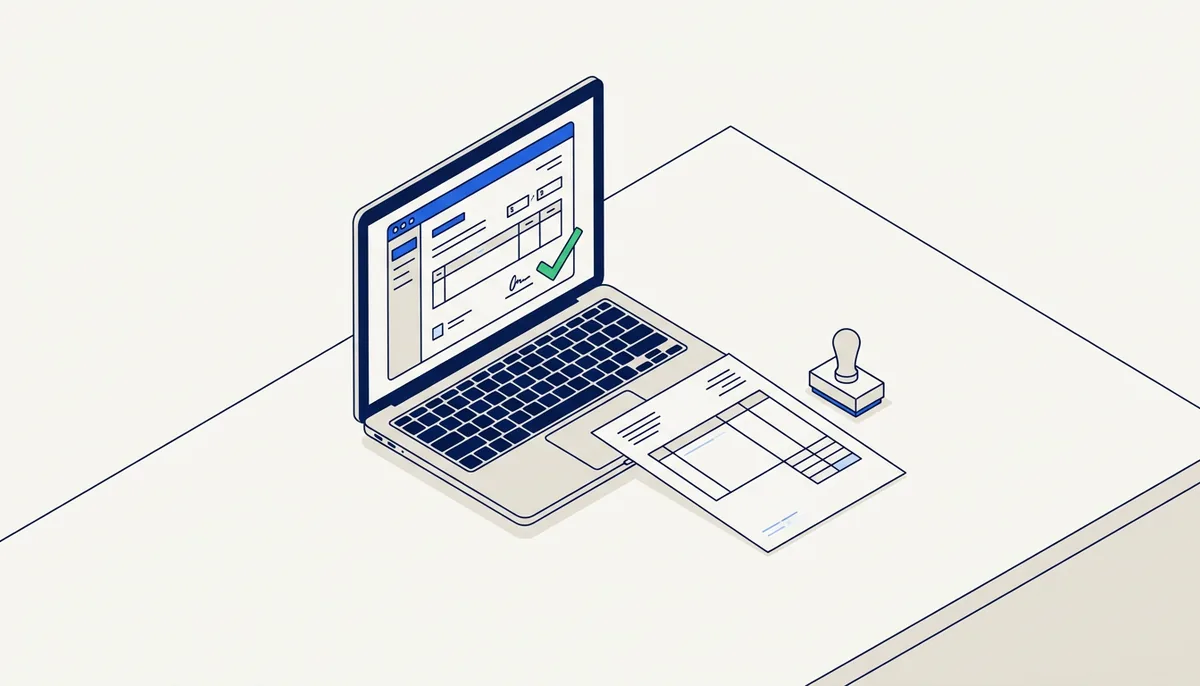
How to issue an invoice in KSeF step by step, if it is your first time and you do not want to buy new software yet? Below is the shortest route in Poland: log in, issue the invoice in the free Taxpayer Application, and check that it received a KSeF number. At the end I say when manual issuing stops being worth it.
How to log in to KSeF
KSeF has no username and password login. You pick one method, depending on who the taxpayer is:
- Profil Zaufany (Polish trusted profile): for individuals, including sole traders. You choose it, land on login.gov.pl and sign in there, for example through online banking. That answers the common question “can I log in to KSeF through my bank”.
- Qualified signature: works for people who have one.
- Qualified seal: the recommended method for companies and other non-individual entities.
- KSeF certificate and token: used mainly by software and integrations, not for logging in to the browser application. A certificate is valid for 2 years at most.
0 passwords
KSeF does not use a username and password
2 years
Maximum validity of a KSeF certificate
In a company one more thing matters: you log in with the company’s NIP (tax ID), and an employee or accountant needs access granted by the owner or an authorised person. Plan this early, as we describe in rolling out KSeF in a construction company.
How to issue your first invoice in the Taxpayer Application
The Taxpayer Application is a free Ministry of Finance tool that runs in the browser. For a firm with a few invoices a month it can be enough.
- Log in. Go through ksef.podatki.gov.pl, pick the Taxpayer Application, enter the NIP and choose your login method.
- Choose to issue an invoice. The left menu has an option like “Wystaw fakturę VAT” (issue a VAT invoice).
- Fill in the data. Seller, buyer with NIP, line items, VAT rates, payment date. The form walks you through the mandatory fields.
- Check everything before sending. This is the key step, because a sent invoice cannot be edited.
- Send it to KSeF. The system validates the invoice. If it passes, the invoice gets a KSeF number.
- Save the number. Copy the KSeF number and download the invoice for your accountant.
Before
An invoice as a PDF sent by email, entered by hand in a spreadsheet.
After
An invoice in KSeF with a number your accountant can also see, with no retyping.
Common mistakes with a first invoice
- Wrong NIP or buyer data. The error shows up only after sending. Copy the NIP from the contract, not from memory.
- Fixing a sent invoice. You cannot edit it. You issue a corrective invoice, so check the data before you press send.
- Logging in as yourself instead of the company. Make sure you work in the context of the company’s NIP.
- No access for the accountant. Without granted permissions they will not see cost invoices.
When the free application is not enough
With a few invoices a month the application is fine. At several dozen, retyping eats time and adds errors. Then it pays to issue from software connected to KSeF, and after that to assign costs automatically, for example to construction sites. Our guide to auto-assigning KSeF invoices shows how. If you do not know where to start, read where to start with business automation.
 Sheets
 Gmail
 Drive
What to do today
Log in to the Taxpayer Application and check that you see the company NIP and the invoices addressed to you. Only then issue the first invoice. If you find you do this more than a few times a month, write down how many minutes one invoice takes. That number tells you whether automation will pay off.
FAQ
Can I log in to KSeF through my bank?
Indirectly, yes. You choose Profil Zaufany, and the login happens on login.gov.pl, where you can use online banking. KSeF has no separate “bank login” method.
Is the Taxpayer Application free?
Yes. It is a free Ministry of Finance tool. You pay only when you issue from accounting or invoicing software.
Can I correct an invoice after sending it to KSeF?
You cannot edit it. You fix it with a corrective invoice, so check the data before sending.
Does my accountant need their own KSeF account?
The accountant logs in with their own method but needs permissions granted by the owner or an authorised person for your NIP.